
Rentalcars.com | The World's Largest Car Rental Comparison Platform
When searching for cheap flights, most travelers turn to Skyscanner. For comparing hotel rates, platforms like Hotelscombined or Trivago are common go-to choices.
Today, I want to introduce Rentalcars.com, the undisputed leader in car rental price comparison. As one of the world's largest online car rental booking agencies, its service covers over 180 countries across more than 46,000 locations, with over 4 million vehicle bookings annually. It supports 40 languages and multiple payment currencies, making it an essential website for independent travelers around the globe!

Furthermore, Rentalcars.com belongs to the Priceline.com group alongside leading booking portals like Booking.com and Agoda. Because of this massive backing, it aggregates a vast selection of car rental brands—including major suppliers like Hertz, Budget, AVIS, Europcar, National, Alamo, and Thrifty—making it much easier to score great deals.
In this post, I will walk you through how to use Rentalcars.com, sharing important details, tips, and booking nuances to make your international road trip smooth and hassle-free.
◎ Step-by-Step Booking Guide

Once on the Rentalcars.com homepage, you can easily select your preferred language and currency from the top bar. Then simply choose your destination country, city, pick-up location, and dates/times to let the comparison engine find the cheapest rental deals. If you are not yet familiar with the city's geography, select "All locations" to compare options across the entire area. For this guide, I will use Brisbane, Australia as an example.
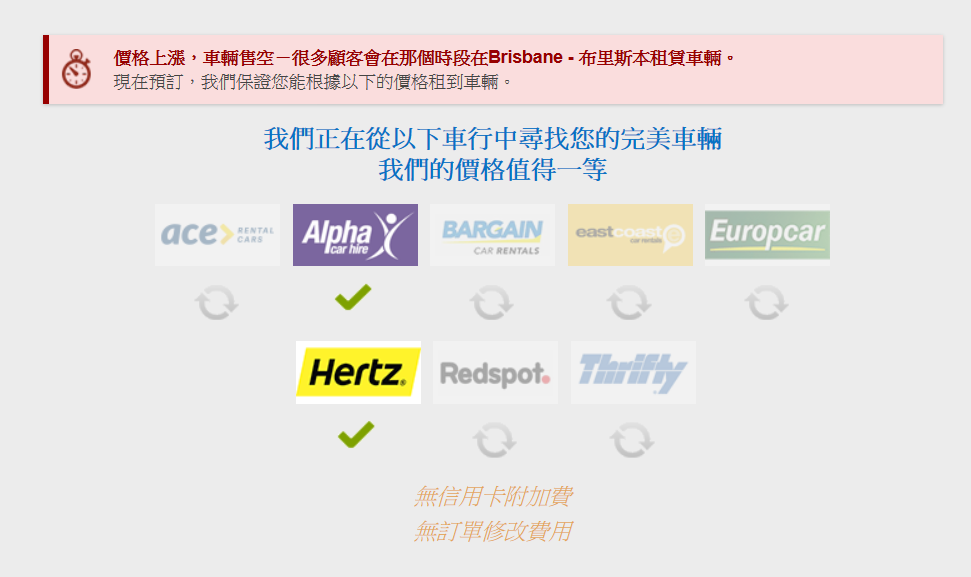
After clicking "Search", a brief loading screen appears while the engine queries rates across local rental suppliers. In my experience, it runs quite fast, usually returning results within 5 seconds.

Next, you will arrive at the overview results page, automatically sorted by price from lowest to highest. It shows available pick-up regions (since we selected "All locations in Brisbane", multiple zones appear), car classes, number of suppliers, and an interactive map.

Once you select your specific pick-up area, the page reveals comprehensive vehicle listings from each company. You can review vehicle specifications, pricing, rental brand names, user ratings, and included perks. Many suppliers offer "Free cancellation up to 48 hours before pick-up". While results default to "Recommended", you can easily switch the sort order in the top right to "Price (lowest first)" based on your preference.

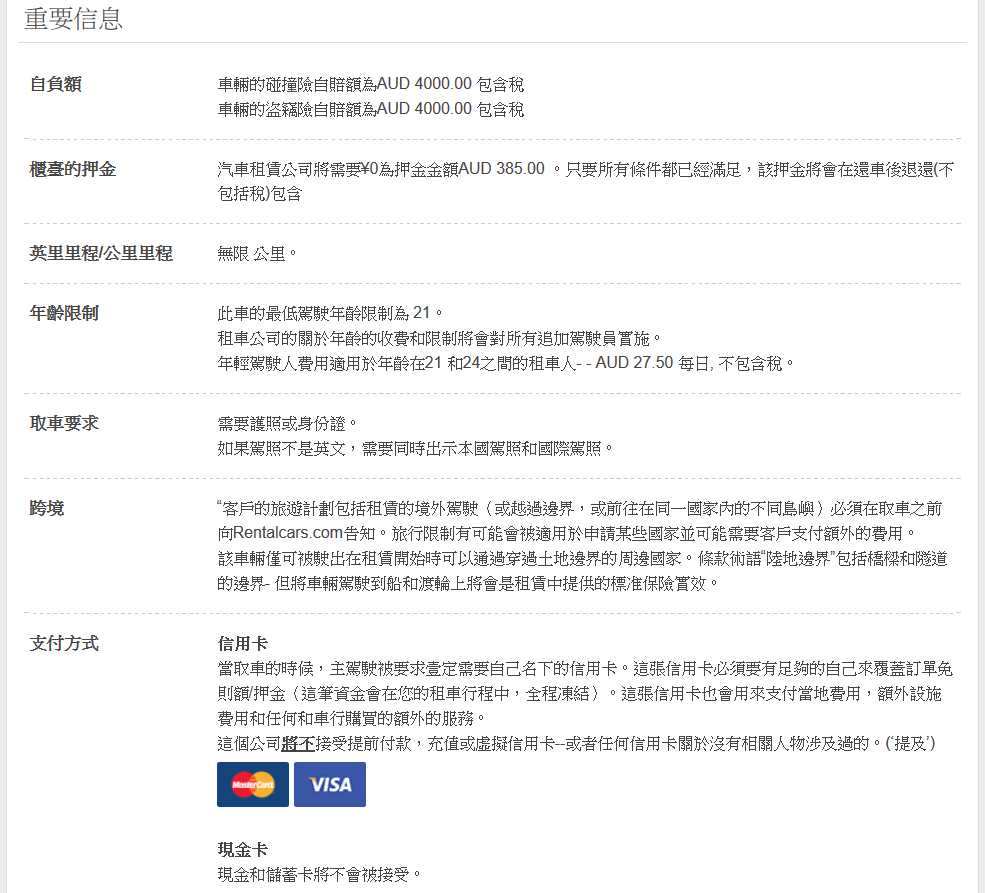
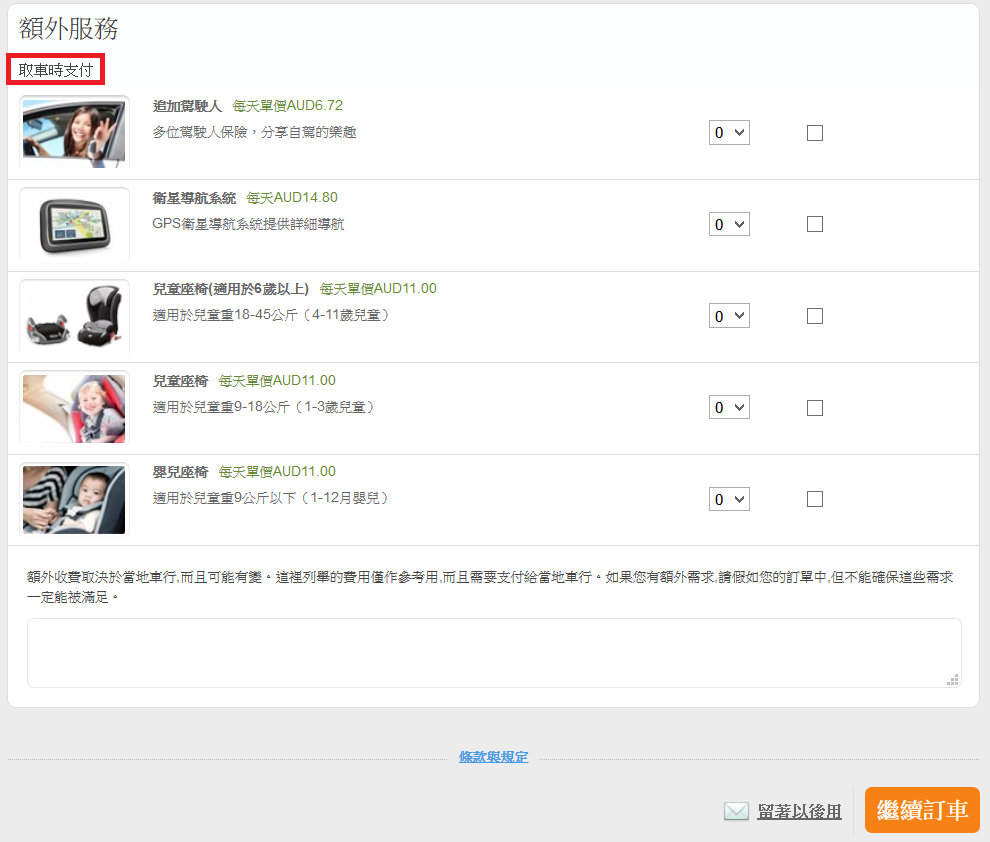
After deciding on a car and company, click through to the detailed vehicle page. This is where you should pay close attention! You will find crucial rental terms here, including security deposit amounts, driver age requirements, pick-up documentation, insurance excess (deductibles), and accepted payment methods. You can also select insurance coverage (Full Protection is often selected by default) and optional add-ons such as additional drivers, GPS navigation devices, and child/infant safety seats. Note that optional extras are usually paid at the rental counter upon pick-up, so it is normal if they are not included in the upfront booking total online.

Once everything looks good, proceed to enter the driver's details. While providing your flight number is optional, I highly recommend including it. If your flight is delayed or rescheduled, the car rental company will be able to track your arrival even if you cannot reach them by phone, avoiding unnecessary cancellations or disputes. This page also re-confirms your pick-up and drop-off locations, clearly separating what you pay now versus at the counter.

After verifying the driver's details and locations, enter your credit card payment details (Visa, Mastercard, and American Express are accepted). Rentalcars.com guarantees no credit card processing fees, but remember that real-time exchange rates, issuing bank policies, and international transaction fees can affect the final billed amount. Once you submit, you will receive an instant confirmation email, and you can also manage your booking online or contact customer support anytime.

Finally, using the reference number provided in your confirmation email, you can log in to Rentalcars.com anytime to view and manage your reservation. You can easily cancel bookings, remove or add insurance protection, change pick-up/drop-off locations, update flight details, and more. I have personally canceled car rental insurance through Rentalcars.com before, and the full refund was credited back to my account within a week. The entire system is exceptionally user-friendly.
That wraps up my guide to the car rental comparison website Rentalcars.com. Thanks to their direct partnerships with rental agencies, they often offer cheaper rates than booking directly with the car companies themselves. They have extensive inventory across major international travel destinations like Japan, South Korea, Europe, the United States, and Australia. Before booking your next trip, definitely run a search through their portal—it could save you both valuable time and money!